In this article
AI automation can help a small business respond faster, organize information, and reduce repetitive work. The opportunity is real, but the safest value usually comes from a modest goal: improve one process the team already understands.
01 · Definition
AI automation combines predictable rules with flexible interpretation
Traditional automation follows defined conditions: when a form is submitted, create a record and notify the assigned person. AI adds the ability to summarize text, classify an inquiry, extract information from a document, or draft a response.
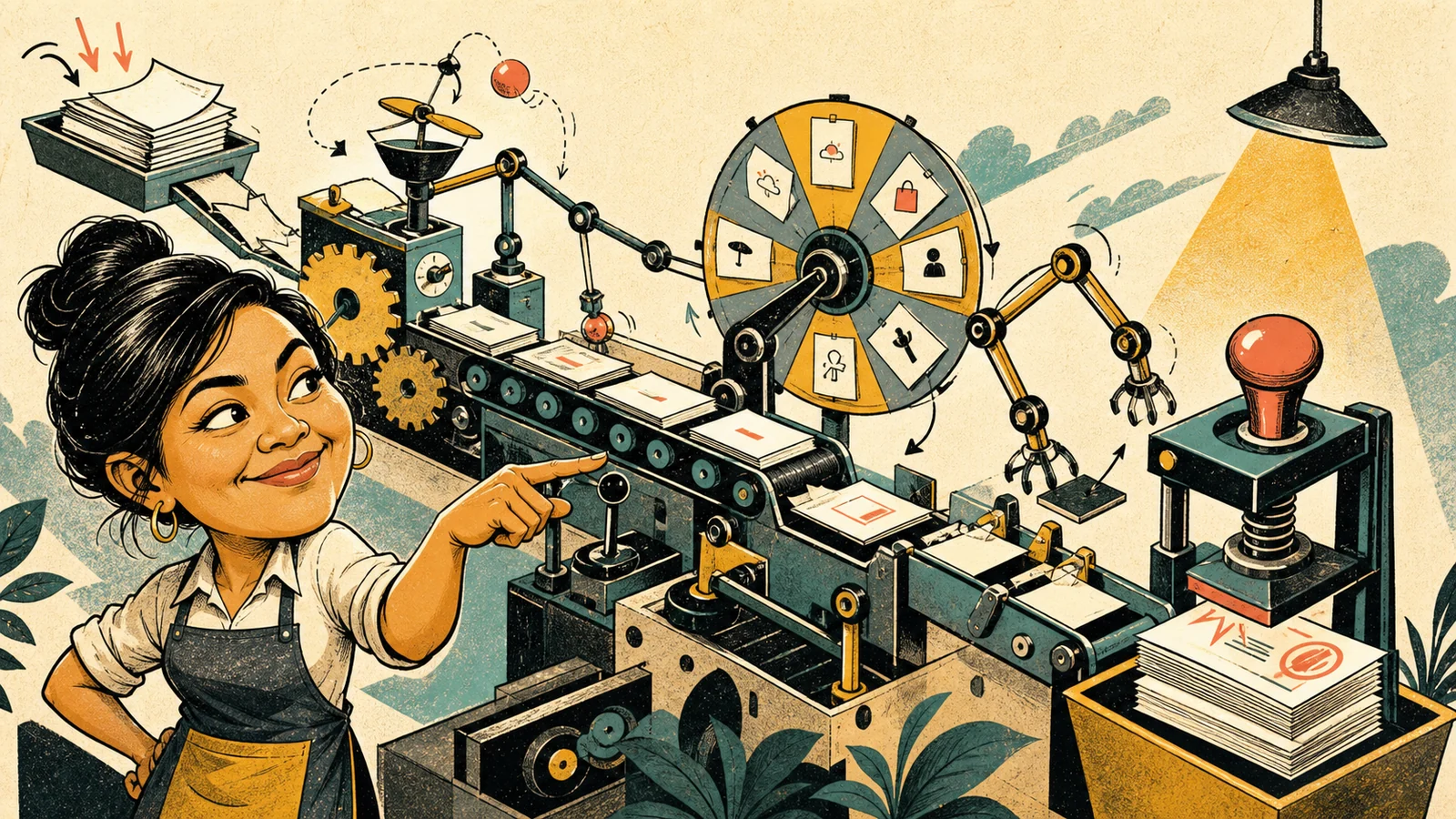
The two approaches work best together. Rules should control permissions, routing, required fields, and final actions. AI can handle the uncertain language in the middle. For example, an AI model may classify the intent of a customer message, while a normal workflow assigns it to a team member using approved categories.
02 · Use cases
Seven practical AI automation workflows for a small business
Inquiry triage
Classify website, email, or chat inquiries by service, urgency, location, and next owner.
Lead briefing
Turn form responses and previous messages into a concise brief before a sales call.
Document intake
Extract selected fields from receipts, applications, or orders and flag low-confidence results for review.
Meeting follow-up
Summarize notes, identify assigned actions, and prepare a draft follow-up for approval.
Support assistance
Retrieve approved information and draft a reply while a staff member remains responsible for sending it.
Content repurposing
Convert an approved article or announcement into channel-specific drafts without inventing new claims.
Weekly operations digest
Summarize orders, delays, open issues, and unusual changes from connected systems.
The best use case depends on volume and friction. Automating a five-minute task performed once a month may never repay the setup. A small step repeated across many inquiries can create more value.
03 · Selection
Choose a first process with high repetition and controlled risk
Before selecting a tool, map the current process. Identify what triggers the work, which information enters, what decisions are made, which systems change, and what a successful result looks like.
| Factor | Better first project | Riskier first project |
|---|---|---|
| Frequency | Repeated daily or weekly | Rare and unpredictable |
| Rules | Clear categories and exceptions | Mostly undocumented judgment |
| Impact | Draft, summary, or internal routing | Final legal, medical, credit, hiring, or payment decision |
| Data | Approved, minimal, and well understood | Sensitive data with unclear permission |
| Measurement | Time, error, response, or conversion baseline exists | No way to compare the outcome |
Score each candidate by time saved, customer impact, implementation effort, data sensitivity, and failure cost. A useful first workflow usually has visible value and a safe manual fallback.
04 · Reliability
Design the workflow as a system, not a single prompt
A production workflow needs more than an instruction sent to a model. It needs input validation, permissions, structured outputs, confidence checks, logging, error handling, and a person who owns exceptions.
- Validate the input. Reject incomplete records and normalize fields before AI processing.
- Limit the task. Ask for a defined output such as an approved category or JSON structure.
- Check the response. Verify required fields, allowed values, and confidence thresholds.
- Route exceptions. Send ambiguous or high-impact cases to a person with the source context.
- Log the decision path. Keep enough detail to investigate failures without storing unnecessary sensitive content.
- Measure the outcome. Compare time, accuracy, response rate, and exception volume with the original process.
Many workflows also depend on reliable API integration between business tools. The AI component should not hide weak data flow or unclear ownership.
05 · Responsibility
Protect customer trust while you automate
Review what information leaves each system, who can access it, how long it is retained, and whether the business has permission to use it for the intended purpose. Send only the minimum data required for the task.
- Do not place passwords, payment credentials, or unnecessary personal data in prompts.
- Use separate test data while developing the workflow.
- Require human review for commitments, sensitive advice, refunds, contracts, and consequential decisions.
- Tell staff what the system does, where it may fail, and how to override it.
- Test Filipino names, local addresses, mixed English and Filipino messages, and the formats customers actually use.
- Maintain a manual path when the model or a connected service is unavailable.
Automation should make accountability clearer. If nobody knows who owns a wrong output, the process is not ready.
06 · Start small
A practical 30-day AI automation plan
Week 1: observe the current process, count the volume, record the baseline, and list exceptions. Week 2: build a narrow prototype using test data and structured outputs. Week 3: run the prototype beside the manual process, compare results, and improve exception handling. Week 4: release it to a limited group, document ownership, and schedule a performance review.
Define success before deployment. A reasonable goal might be reducing average triage time while keeping misrouted inquiries below an agreed threshold. If the result does not improve the process, simplify it or stop.
The right first automation is not the most impressive demo. It is the smallest reliable change that gives people time back.
Key takeaways
- Start with one repetitive, documented, measurable process.
- Use rules for control and AI for bounded language or document tasks.
- Build validation, human review, logging, and fallback into the workflow.
- Measure business outcomes and exception rates, not model novelty.